


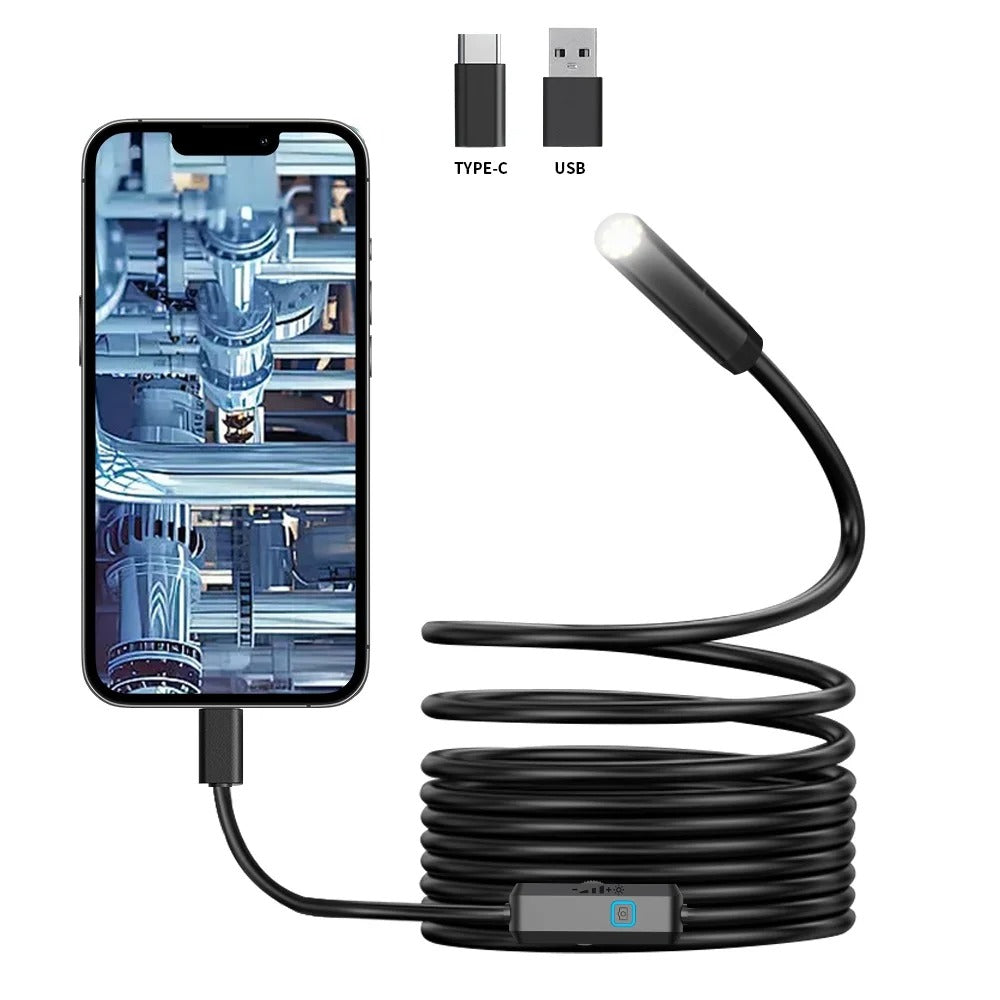
ORIGINAL Type-C Android Endoscope Camera – IP67 Waterproof Borescope with 6 LED Lights
👁️ people watching this product now!
⏱
HURRY! ONLY 20 LEFT IN STOCK.
Viral on TikTok · 2.3M+ Likes
Ordered
Order Ready
Delivered
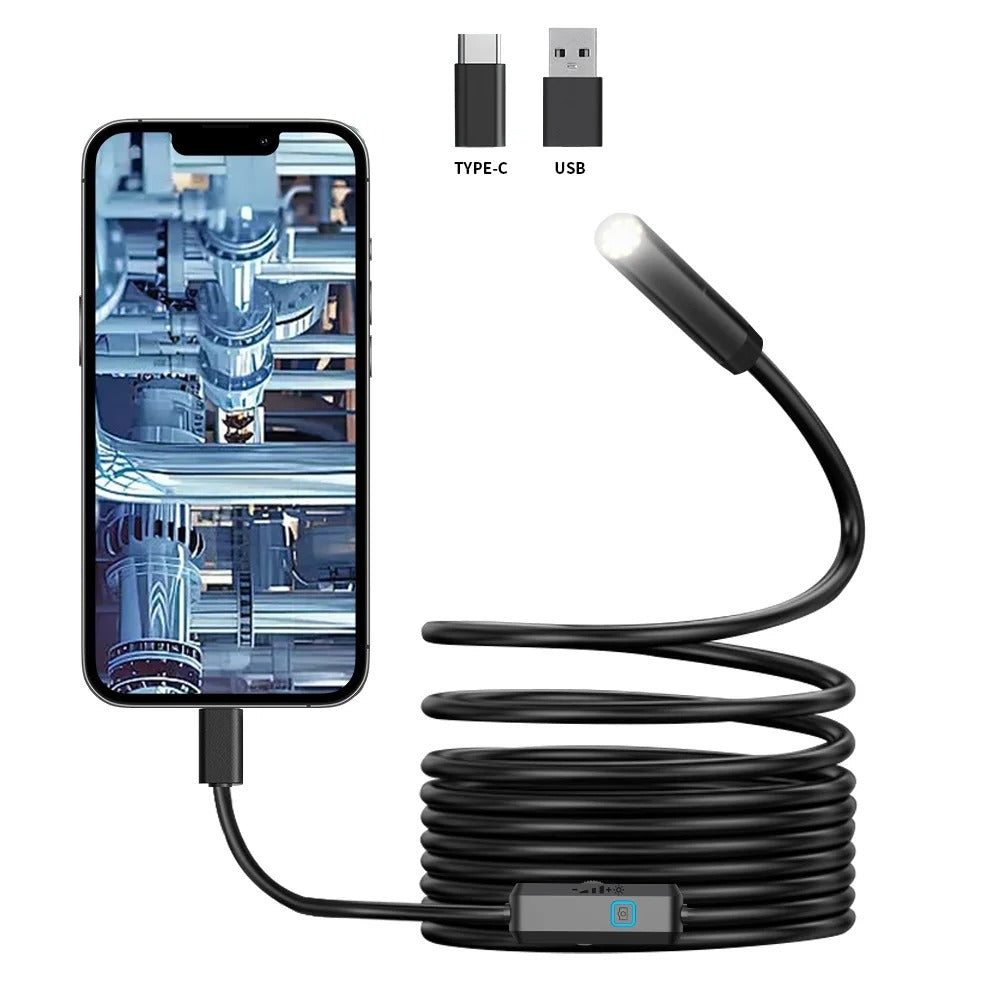
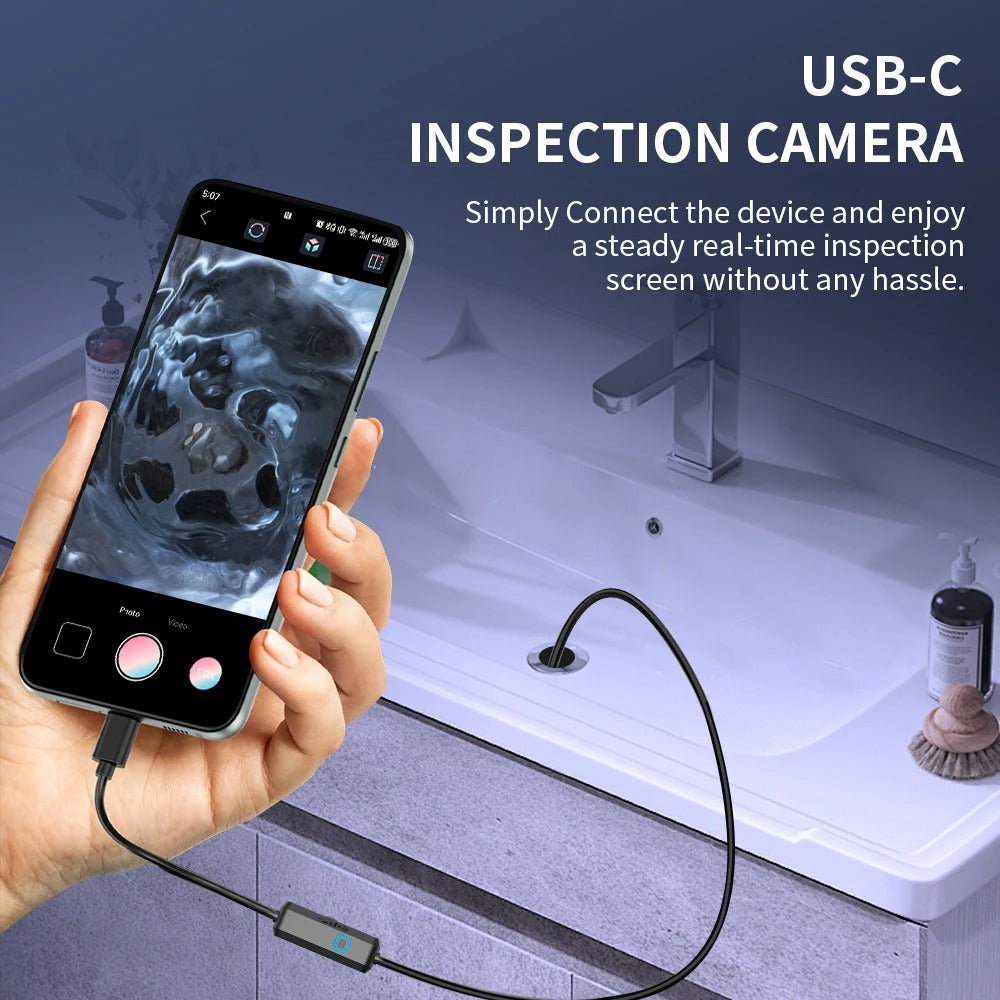
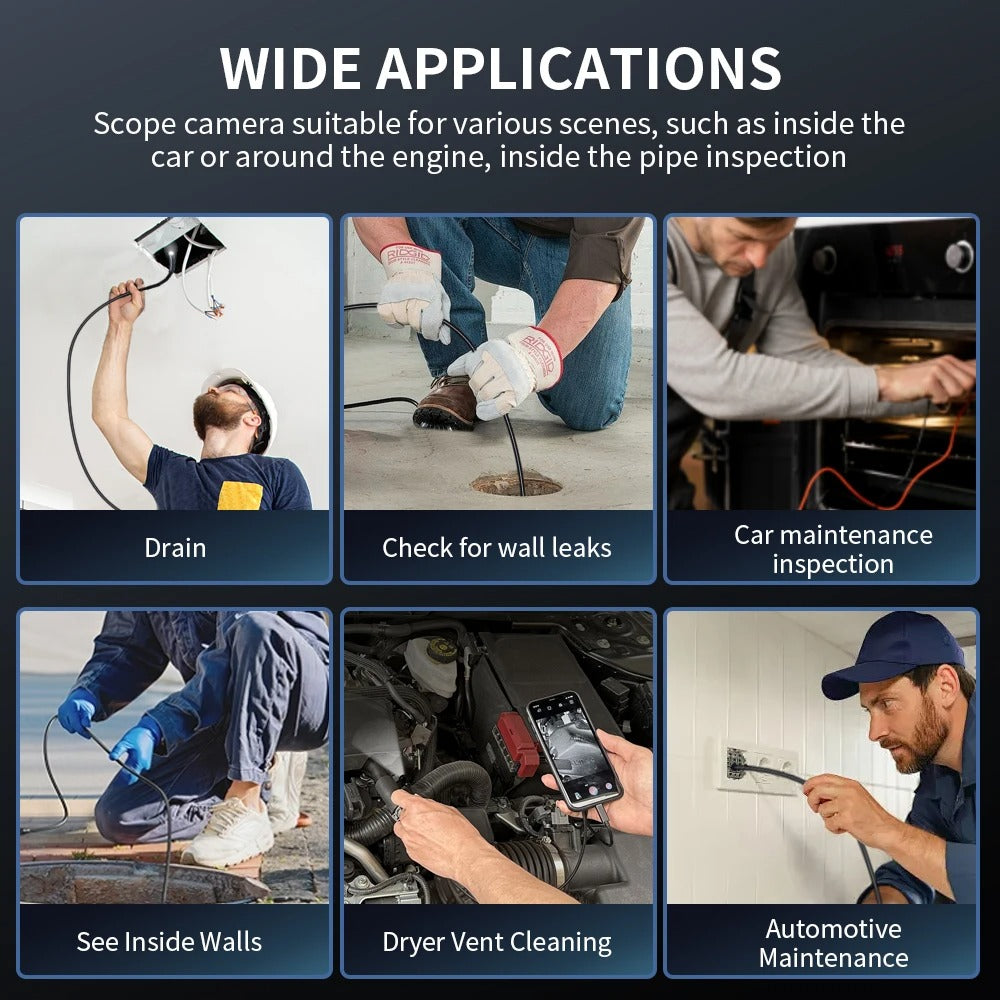
Inspect hard-to-reach areas with this Type-C Android Endoscope Camera. Featuring a compact camera head, IP67 waterproof design and 6 adjustable LED lights, it is designed to provide visibility inside narrow or difficult-to-access spaces. The camera can be useful for household inspections, automotive checks, equipment maintenance and other viewing applications with compatible Android devices.
Key Benefits
- Compact endoscope camera for hard-to-reach areas
- Type-C connection for compatible Android devices
- IP67 waterproof camera design
- 6 built-in LED lights for improved visibility
- Adjustable LED brightness
- Flexible cable for easier inspection
- Suitable for automotive and household inspection
- Useful for pipes, drains, equipment and narrow spaces
-
Portable design for convenient storage and transpor

Specifications
- Product Type: Android Endoscope / Borescope Camera
- Connector: Type-C USB
- Camera: Mini inspection camera
- LED Lights: 6 adjustable LEDs
- Water Resistance: IP67
- Compatibility: Compatible Android devices with supported Type-C OTG functionality
- Use: Inspection and viewing of hard-to-reach areas
- Applications: Automotive, household, pipes, drains, machinery and equipment
- Design: Flexible inspection cable
-
Color: May vary by selected variant

How to Use
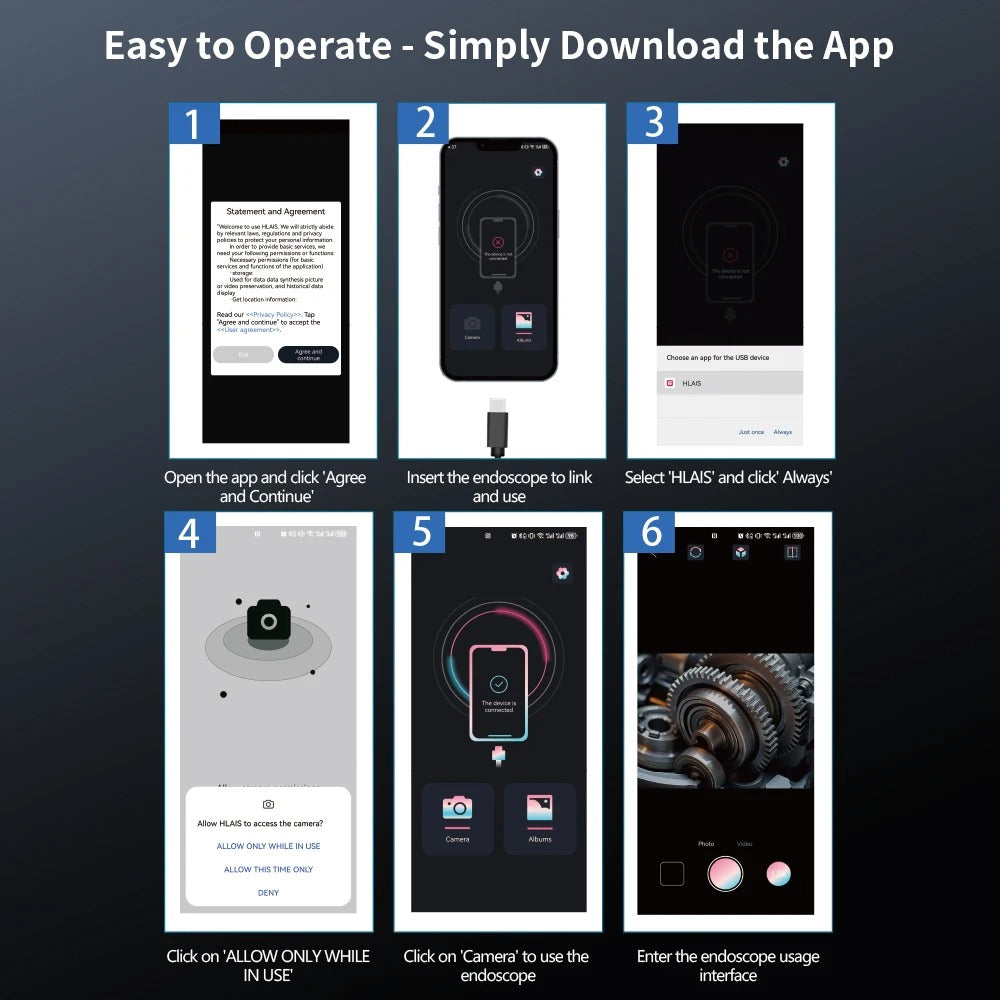
- Check that your Android device supports Type-C OTG and compatible endoscope applications.
- Connect the endoscope camera to the device using the Type-C connector.
- Open the compatible camera/endoscope application if required.
- Insert the camera carefully into the area you want to inspect.
- Adjust the built-in LED brightness for better visibility.
- View the inspection area on your device screen.
-
Remove the camera carefully and clean/dry it after use when necessary.

What’s in the Box
- 1 × Type-C Android Endoscope Camera
- 1 × Inspection Cable
-
1 × User Manual, if included

ORIGINAL Type-C Android Endoscope Camera – IP67 Waterproof Borescope with 6 LED Lights
Sale priceRs.2,390.00
Regular price (/)